

Rohan Iyer
Last updated 2 November 2026
Diwa OK Payment Guide: Simple Ways to Pay and Enjoy Online Games in India
Online gaming should be easy to start and simple to enjoy. A clear payment process can help make the experience smoother. This Diwa OK payment guide explains common payment methods, checkout steps, payment safety, and ways to solve common problems for online gaming users in India.
Diwa OK offers access to different online games. Payment options can depend on the account, device, location, and current platform settings. Available methods can also change over time.
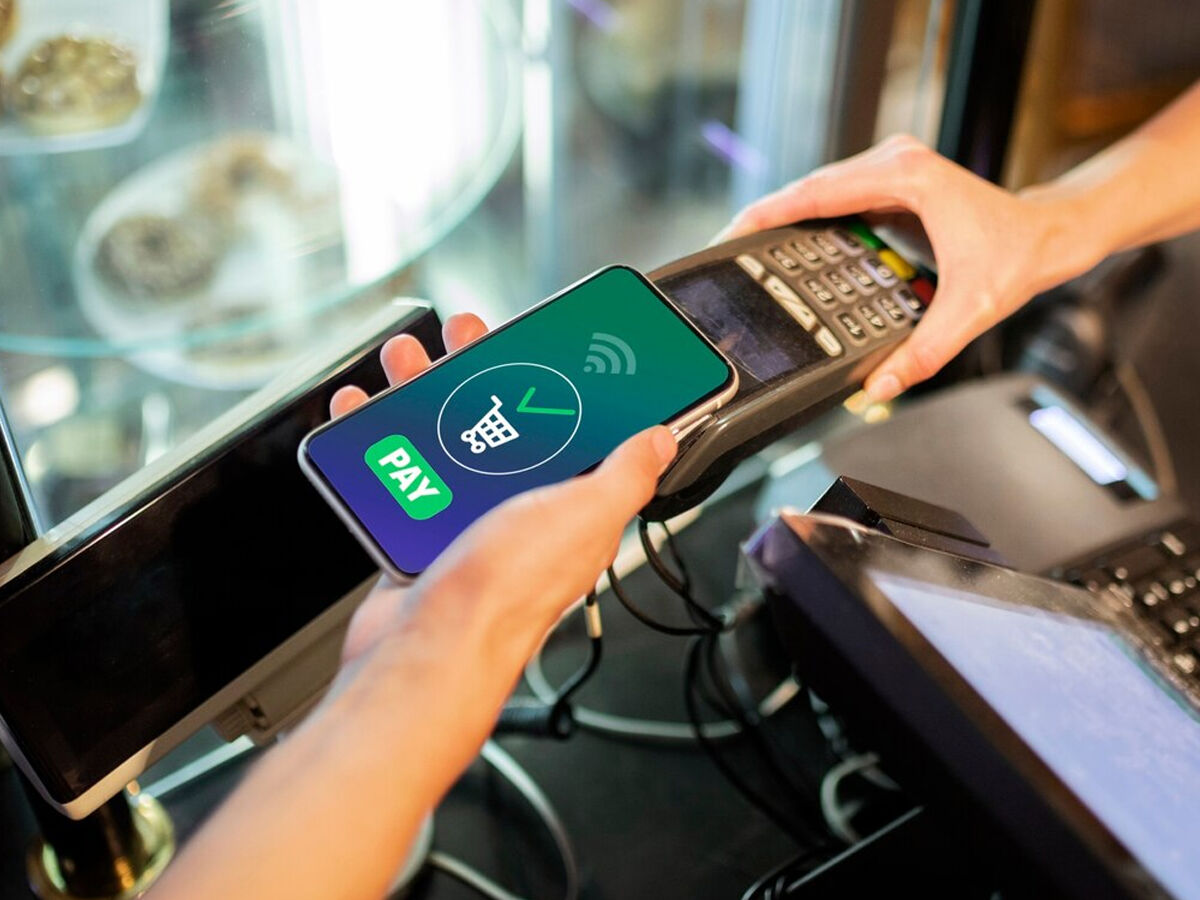
Simple Diwa OK Payment Guide Helps Online Gamers in India
A simple payment guide can help users understand checkout before starting a transaction. Knowing how payment methods work can make it easier to choose a suitable option.
Digital payments are common across India. Many people use UPI, bank cards, net banking, and digital wallets for online services. However, not every payment method will always be available on every platform.
A good checkout page should show the payment details before final approval. Read each screen carefully. Do not approve a request if the recipient, total. or purchase details look wrong. If any charge or instruction is unclear, stop and contact Diwa OK through an official support channel.
Find the Official Diwa OK Payment Page
Start by opening the official Diwa OK website or app. Sign in through the recognized login page. Then look for a section called “Payment,” “Account,” “Wallet,” “Membership,” or “Purchase.”
Choose the product or service needed and review the checkout page. Check the full total and the description of the purchase. Read any notes about processing time, refunds, or other terms before selecting a payment method.
Use only the official Diwa OK website or app to make a payment. Do not follow payment links from unknown messages, unofficial social media accounts, or unfamiliar websites.
A safe payment page should not ask for an account password, UPI PIN, or one-time password through a chat message or email. Keep private login and payment details secret. Contact official support if a payment request seems unusual.
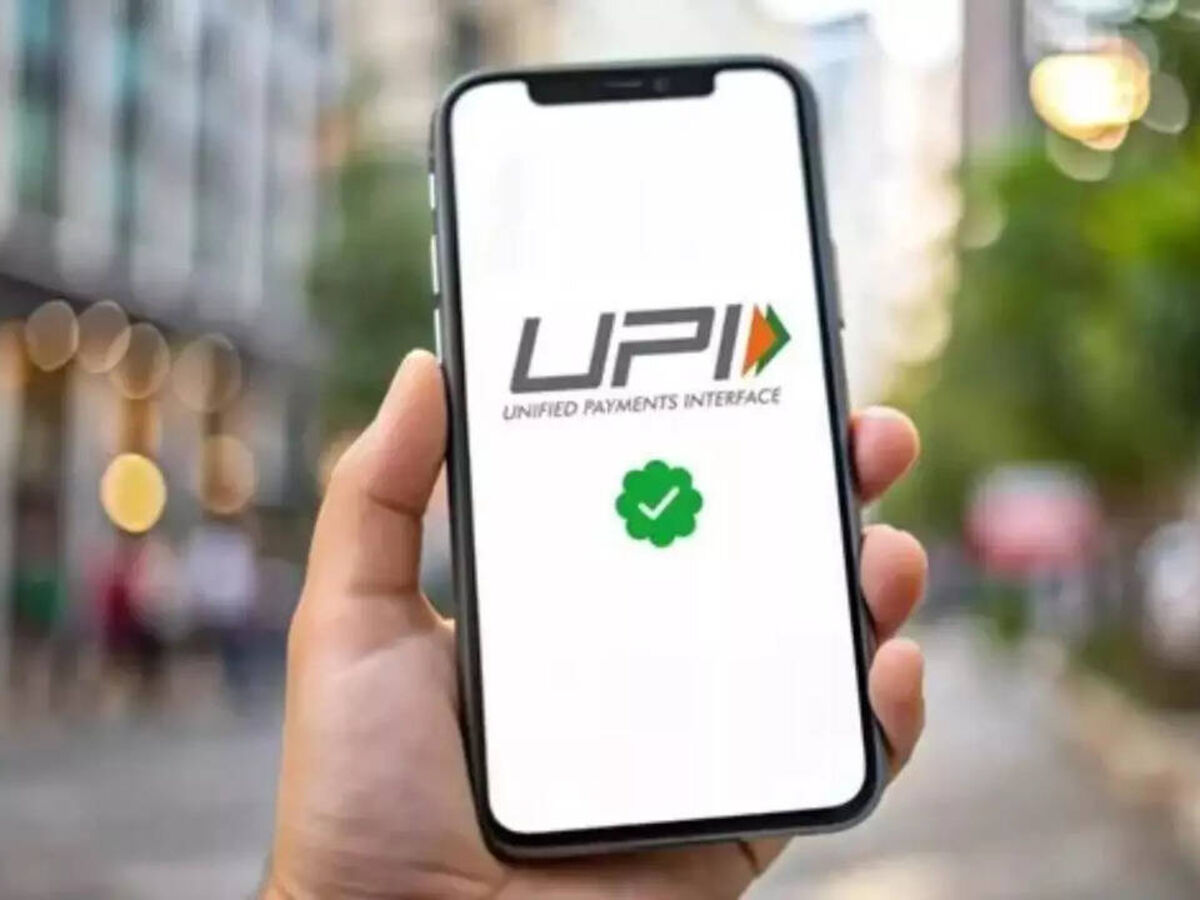
UPI Payments for Fast Diwa OK Online Gaming Checkout
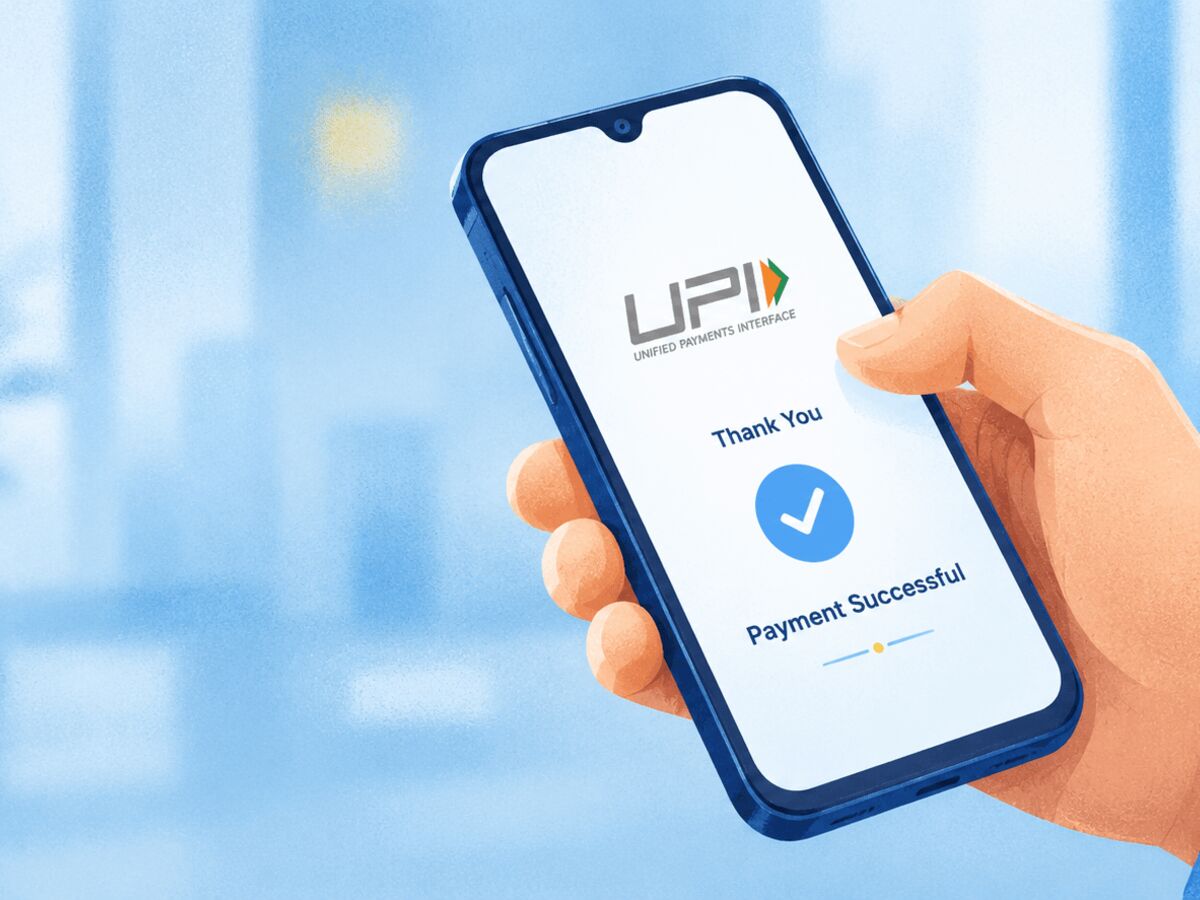
UPI is a widely used payment method in India. If UPI appears on the Diwa OK payment page, the checkout may offer payment through a UPI app or a UPI ID. The exact steps depend on the payment provider and the device.
For app-based UPI payment, select UPI and follow the instructions on the screen. A supported UPI app may open with the payment request. Check the recipient and total before approving the request. For a UPI ID payment, enter the correct ID and follow the steps shown by the payment app.
Never share a UPI PIN with another person. A UPI PIN is used only inside the official payment app to approve a transaction. Do not share an OTP, PIN, or screen access with anyone claiming to be Diwa OK support.
Debit and Credit Card Payments for Diwa OK Purchases
Debit and credit cards can provide a familiar way to pay online. If card payment is available, enter card details only on the secure payment page opened through the official Diwa OK checkout.
Before confirming a card payment, check the total and purchase details. Some Indian card payments require an extra bank check, such as an OTP or bank approval screen. Complete the check only on the official bank or payment-provider page.
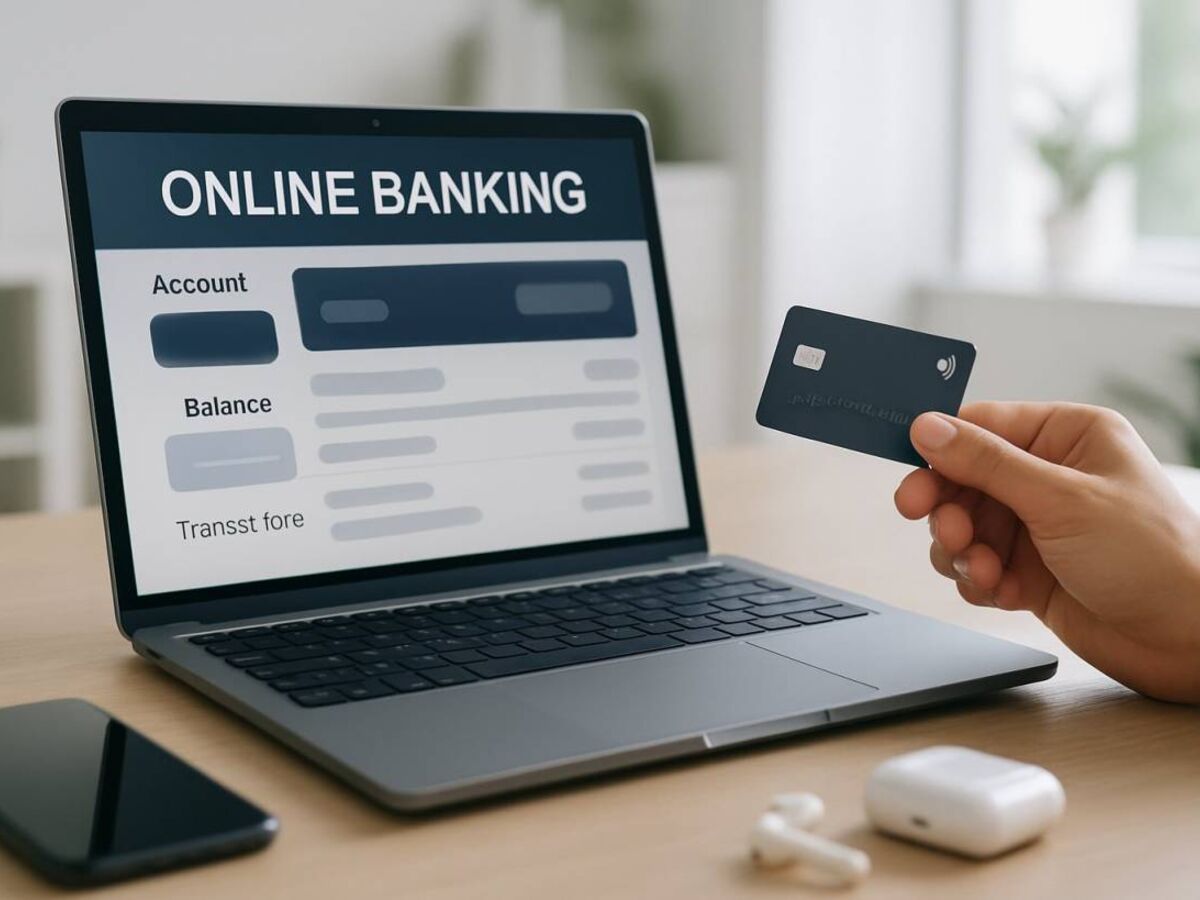
Net Banking for Diwa OK Payments Through an Indian Bank
Net banking lets users approve a payment through an online bank service. If net banking appears at the Diwa OK checkout, select the bank and follow the instructions on the secure payment page.
Check the recipient and payment details before approval. The bank may ask for a password, OTP, or another security check on the bank’s own page. Enter private details only on the official bank page. Never share a bank password or OTP with another person.
Digital Wallets and Payment Apps for Easy Online Gaming Payments
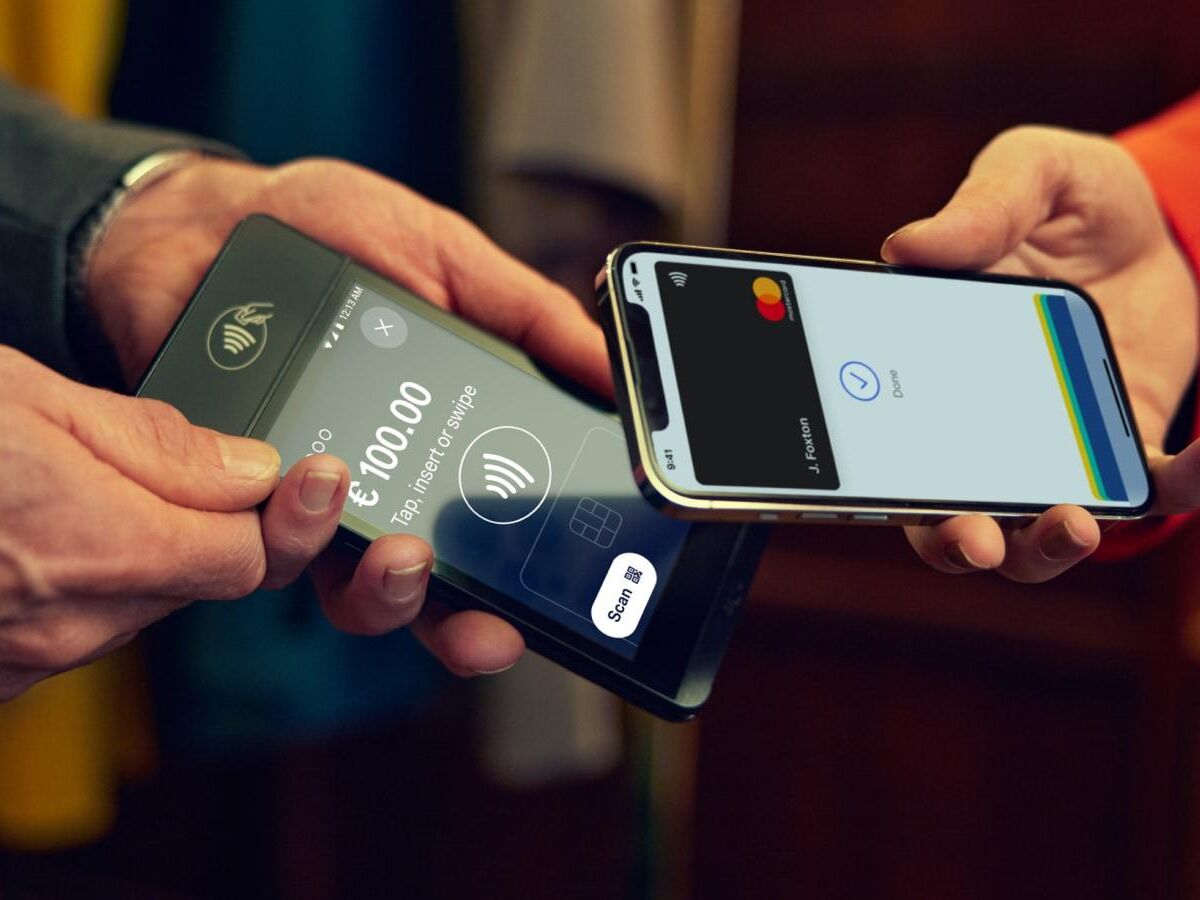
Digital wallets and payment apps can make online checkout simple. If a wallet appears on the Diwa OK payment page, select the wallet and follow the instructions. The payment may open in the wallet app or on the provider’s secure website.
Check the total and payment details before approval. Make sure the wallet app comes from a trusted app store and has the latest updates. Use a screen lock or other device security feature to protect the app.
Prepaid Codes and Gift Options for Diwa OK, Where Available
Some online services offer prepaid codes or gift options. Diwa OK payment choices can change, so check the official payment page before buying a code. Use a trusted seller and make sure the code is for the correct service and region.
Enter a code only in the correct section of the official Diwa OK website or app. Keep unused codes private. Read the code terms, expiry date, and use limits before purchase.
Simple Steps for Completing a Diwa OK Payment
A careful checkout routine can help prevent payment mistakes. First, open the official Diwa OK website or app and sign in. Select the intended product or service, then review the purchase details.
Choose a payment method shown on the official checkout page. Follow the instructions from the payment provider. Before final approval, check the recipient, total, and account details one more time.
Complete any bank or app verification on the official provider page. After approval, wait for a confirmation screen or message. Save the transaction reference until the purchase appears in the Diwa OK account.
Payment Safety Tips for Indian Online Gaming Users
Use a strong password for the Diwa OK account. Avoid using the same password across several websites. Turn on extra account security if available, and keep the phone, browser, and payment apps updated.
Check website addresses before entering account details. Avoid payment activity on public computers or open public Wi-Fi. Sign out after using a shared device.
Review account activity and payment alerts often. Keep payment confirmations until each purchase is clear. Set personal limits for online purchases, take breaks from gaming, and follow local laws, platform rules, and age requirements.
Using the Diwa OK Payment Guide for Online Games
The right Diwa OK payment method is an option shown on the official checkout page that suits personal needs. UPI, cards, net banking, digital wallets, and prepaid codes may each offer a different checkout experience.
Read the Diwa OK payment guide, check payment details, approve only a request that looks correct, and keep the transaction reference. Use official support for questions or payment problems.