

Rohan Iyer
Last updated 2 November 2026
Diwa OK Login Guide: Simple Steps to Sign In and Enjoy Online Games in India
Online gaming can be a fun way to relax, learn new skills, and enjoy a challenge. For players in India, the Diwa OK login process provides a way to open an online gaming account and access the games available on the platform.
A clear Diwa OK login guide can help new and returning players sign in with less confusion. The steps below focus on online gaming and general platform access.
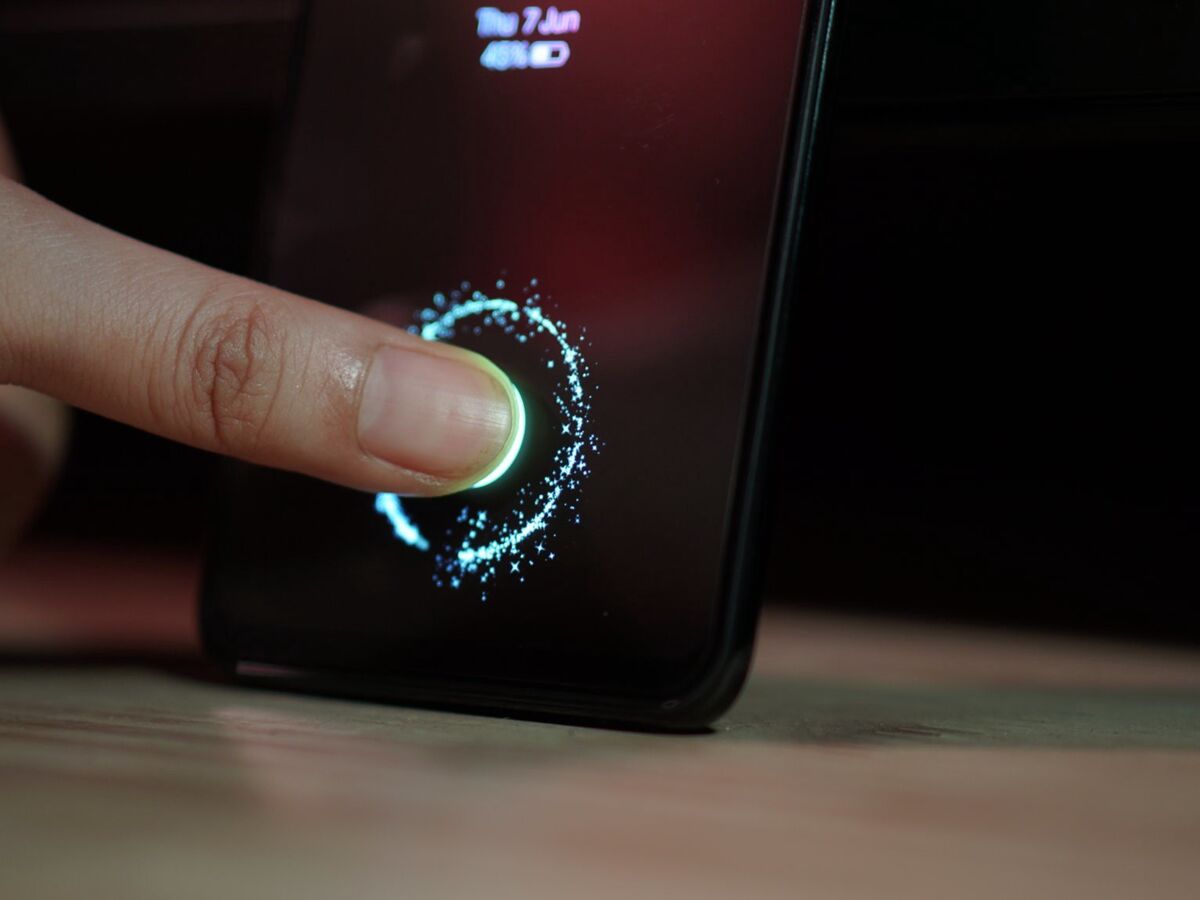
Get a Phone or Computer Ready Before Starting the Diwa OK Login
Before opening the login page, check the device and internet connection. A phone, tablet, or computer can work if the device has a suitable browser and a steady internet connection.
Use an updated browser. A newer browser can load pages more reliably and may include important security updates. If an official Diwa OK app is available, download the app only from a trusted source. Avoid unknown app files and links sent by people or pages without a clear connection to Diwa OK.
For better account safety, use a personal device with a screen lock. A phone PIN, fingerprint lock, or other screen lock can help stop unwanted access if the device is left unattended.
Open the Official Login Page and Check the Website Address
Open a trusted browser and go to the official Diwa OK website. A verified app can also provide access if the app comes from a trusted source. Before entering any login information, check the website address carefully.
Check that the page shows the correct Diwa OK name and clear login fields. A secure connection indicator in the browser can help protect information while the page loads, but the indicator does not prove that a website is genuine.
Read the instructions on the page before moving forward. Login pages may change over time, so current on-screen directions should take priority over old screenshots or guides.
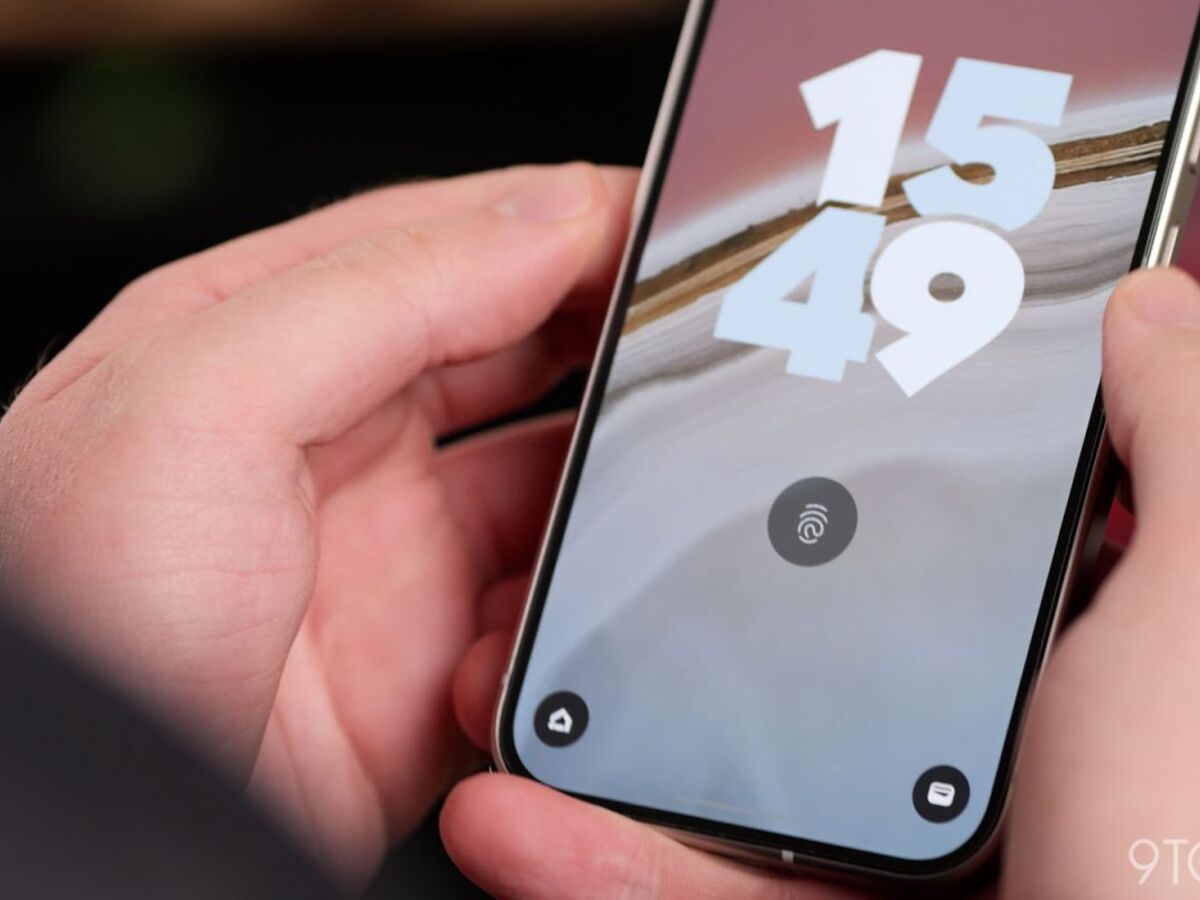
Enter the Correct Username, Mobile Number, or Email Address
The login page may ask for an account name, mobile number, or email address. Use the same details entered during account registration.
Type the account details carefully. Check every letter and number before moving to the password field. For a mobile number, include the correct country code if the login page requests a country code. Remove extra spaces at the start or end of the entry.
If the page offers several sign-in choices, select the option linked to the account. Using a different email address or mobile number may lead to an error or open a different account.
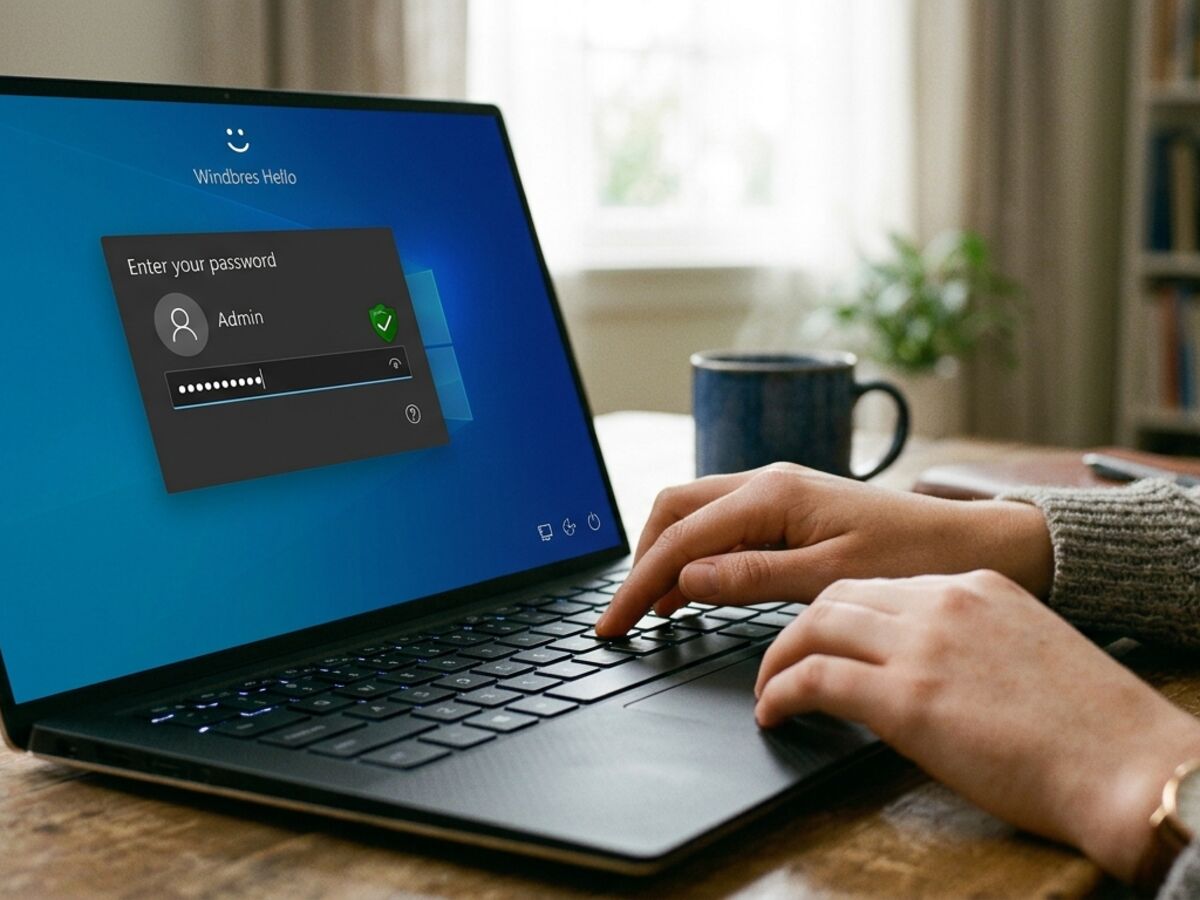
Enter the Password Carefully and Use Safe Password Habits
After entering the account name, type the password in the password field. Passwords often use capital letters, small letters, numbers, and symbols. A single typing mistake can stop the login process.
Check whether the keyboard has turned on capital letters. Some phones automatically make the first letter a capital letter. If the password is case-sensitive, a capital letter in the wrong place can cause a login error.
Use a different password for each online account. A unique password can help protect a Diwa OK account if another website has a security problem. A trusted password manager can help store passwords, but the password manager itself should use strong protection.
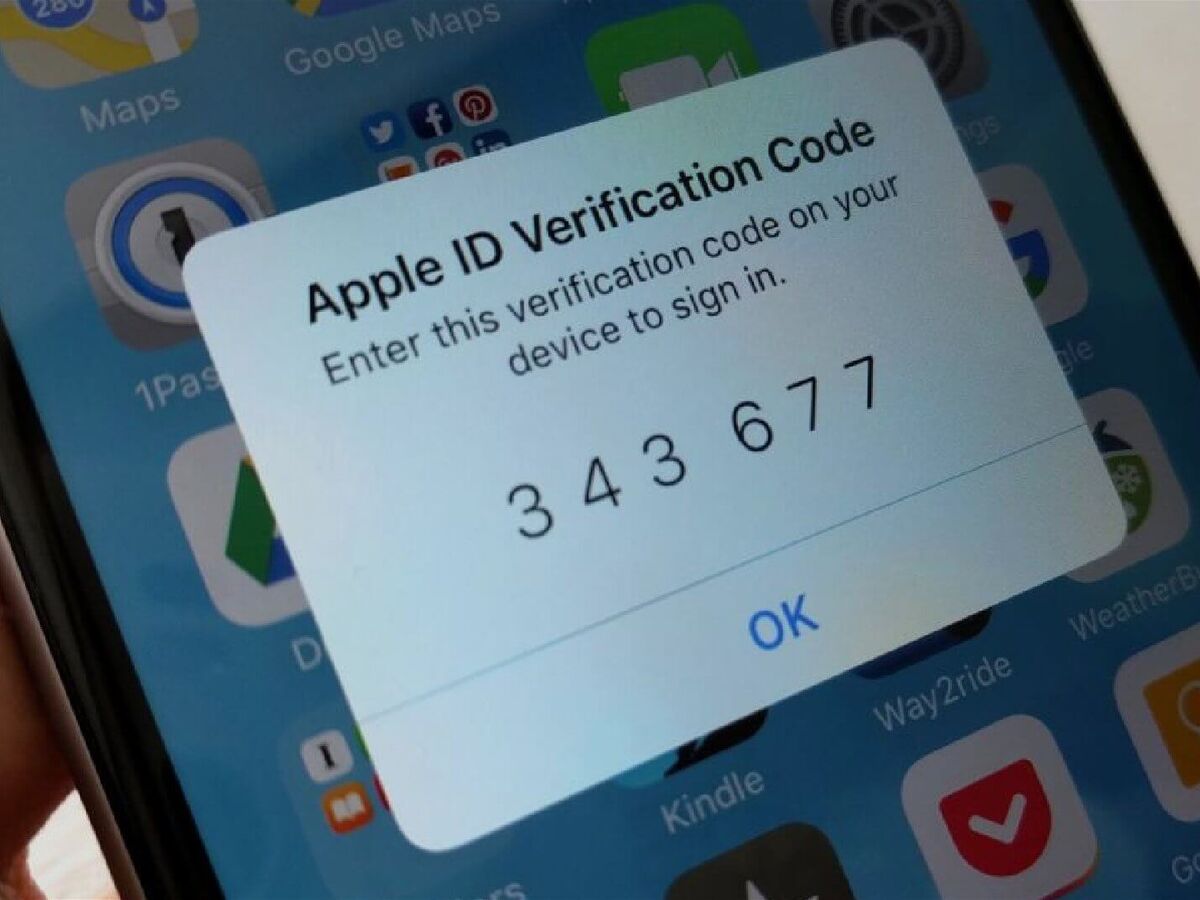
Complete a Security Check to Finish the Diwa OK Sign-In
After account details are entered, the login page may ask for an extra security check. The check may use a one-time code, a picture puzzle, or another method. Follow the instructions shown on the page.
A one-time code may arrive by text message or email. Enter the newest code in the correct field. Check every number before selecting the confirmation button. Do not give the code to another person. A code can allow account access, so keep the code private.
If the security check does not work, read the page message and follow the official instructions. Do not use outside websites or people who promise a quick account fix.
Fix Common Login Problems with Easy Checks
A login problem can happen for several simple reasons. The account name may have a typing error. The password may be incorrect. The internet connection may be weak, or the login page may need to reload.
If the page does not load, check the internet connection. Refresh the page once or close and reopen the official website. An updated browser may also help. If the page still has a problem, try again later or contact official Diwa OK support.
If the password has been forgotten, use the official password recovery option on the login page. Follow the steps shown and use the registered mobile number or email address. Avoid people or websites that ask for passwords or promise unofficial account recovery.
Use the Diwa OK Login Safely on Mobile Phones in India
Many players in India use a mobile phone for online gaming. A phone can make gaming easy to access, but account safety still matters. Keep the phone’s operating system, browser, and trusted gaming app updated.
If a shared device must be used, do not save the password in the browser. Sign out after the gaming session and close the browser page. On a personal phone, keep a screen lock turned on and do not leave the account open when the phone is unattended.
Download apps only from trusted app stores or official platform sources. Do not install files from unknown websites. Check app permissions and avoid giving access that does not seem needed for the app to work.
Make Every Diwa OK Login Simple, Safe, and Enjoyable
The Diwa OK login process can be simple with a few careful steps. Prepare a working device and internet connection. Open the official login page, check the website address, enter the registered account details, and complete any security check.
Players in India can make online gaming more comfortable by using trusted devices, choosing suitable games, and taking regular breaks. Safe login habits and a balanced routine can help create a positive Diwa OK gaming experience.