

Rohan Iyer
Last updated 2 November 2026
Diwa OK App Download: Rs 200 for Online Gaming in India
The Diwa OK app brings online games together in one mobile platform for players in India. The app can help players find games, open game pages, and enjoy gaming from a phone. A clear menu and mobile-friendly design can make browsing easier for new and returning players.
Different players enjoy different types of games. Some players prefer short games for a quick break. Other players enjoy games that need focus, practice, or planning. A range of online games can give players more choices in one place.
Before starting the Diwa OK download, check that the app is available for the device and region. Use the official Diwa OK website or another official app source. Avoid unknown websites, messages, and pop-up ads that offer app files.

Find the Official Diwa OK Download Page
Open a trusted browser on the phone and enter the official Diwa OK website address. Check the website name carefully. A small spelling change can lead to a fake website. Look for a secure website connection and clear Diwa OK branding.
Find the download section on the official website. Read the page before tapping a download button. The page should show the app name and instructions for the correct device. Choose the Android option for an Android phone. Choose the iPhone or iOS instructions for an Apple phone.
Wait for the download to finish before opening the app file or store page. Do not tap download buttons inside unrelated ads. Do not install a file from a website that looks unfamiliar or asks for unnecessary personal details.
Diwa OK APK Download and Installation Steps for Android
Android users can follow these simple steps to install the Diwa OK app. First, open the official Diwa OK website in a mobile browser. Go to the Android download section and select the official download option. Wait until the app file finishes downloading.
If the download creates an APK file, open the phone’s Downloads folder or tap the download notice in the browser. Check that the file came from the official Diwa OK website. Do not open an APK file from an unknown website or message.
The phone may show a warning before installing an APK file. Android uses this warning to help protect the device. If the phone asks for permission to install apps from the browser, check the source again. Allow the permission only for the browser used to download the official Diwa OK app.
Return to the APK file and tap the install option. Wait for the installation to finish. Do not close the installation screen while the phone is working. When the installation is complete, tap Open or find the Diwa OK icon on the phone screen.
If the phone does not allow installation, check the official instructions and phone settings. Menu names can differ between Android brands. Do not turn off all phone security settings. If the app still will not install, delete the file and contact Diwa OK support through the official website.

Diwa OK App Download Steps for iPhone and iOS
iPhone users should follow the iOS instructions on the official Diwa OK website. If the official website links to an Apple App Store page, open the page and check the app name and developer details. Tap the download option shown in the App Store.
If the official Diwa OK page gives another iPhone installation method, read every step before continuing. Apple devices use strong app security settings. Do not install profiles or certificates from a source that cannot be checked. Do not enter an Apple ID password on an unrelated webpage.
Once the app is installed, open the Diwa OK icon. Follow the instructions shown on the screen. Review any permission requests before choosing Allow. Give access only when a feature needs that access. For example, notifications can stay off if alerts are not wanted.

First-Time Setup and Easy Diwa OK App Navigation
Open the Diwa OK app after installation. Wait for the first screen to load. Read the welcome message and setup instructions. If the app needs an account, follow the official registration steps and enter accurate information.
Create a strong password for the account. Use a mix of letters, numbers, and symbols. Do not use the same password used for email or other apps. Avoid easy-to-guess details, such as a name or birthday.
Never share a password or one-time code with another person. Diwa OK support should be contacted through the official website. Do not trust messages that ask for login details or verification codes.
Take a few minutes to explore the app menu. Look for game categories, search tools, settings, help pages, and privacy options. Read game instructions before starting a new game. A quick look at the controls can make the first game easier to understand.
Adjust sound, screen, and notification settings to suit personal needs. Turn off alerts that are not useful. Simple settings can make the Diwa OK gaming app more comfortable to use.
Browse Online Games and Learn the Game Controls
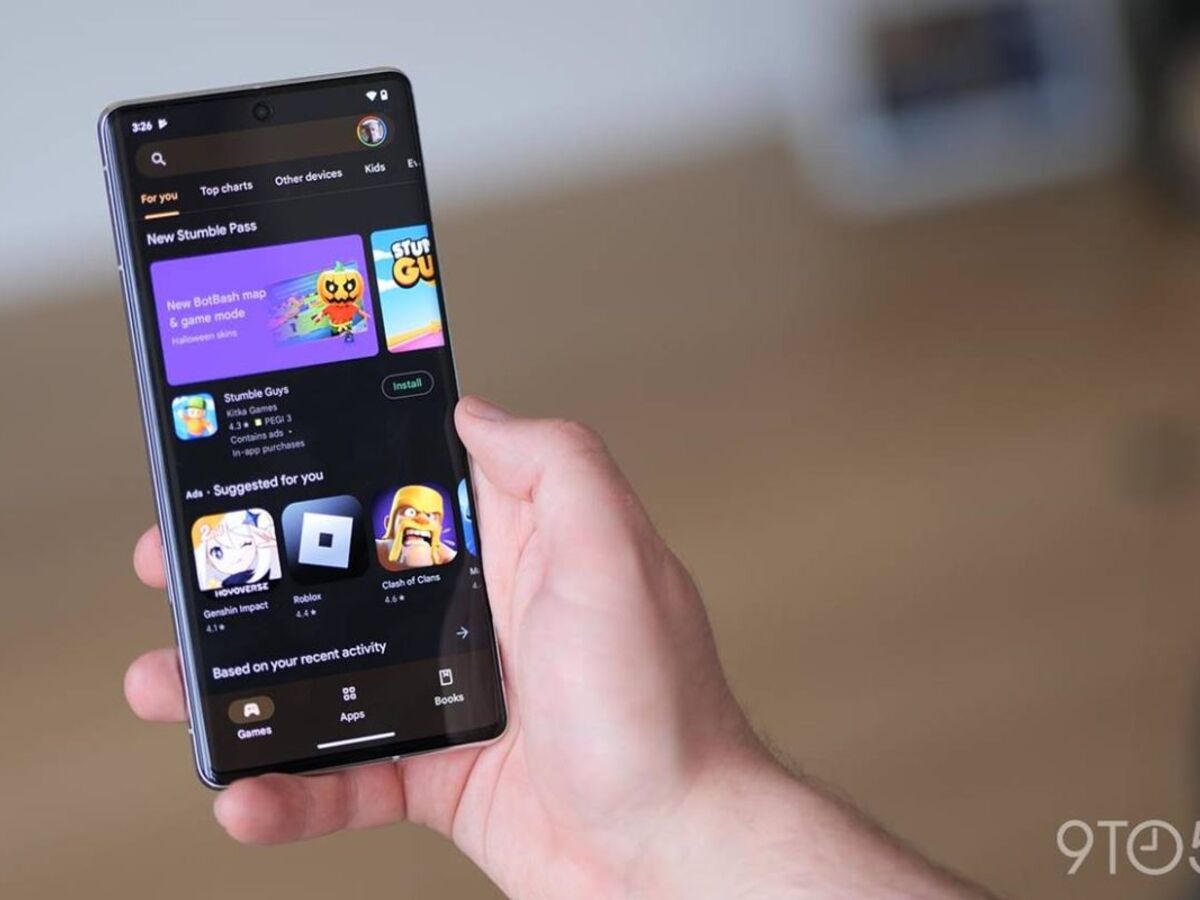
The Diwa OK app may include different types of online games. Browse the game list and read each game description. Game instructions can explain the goal, controls, and basic rules. Take time to learn the controls before starting a longer game.
Some games may include a tutorial or practice mode. Use the tutorial to learn how the game works. Practice can help players feel more comfortable with touchscreen controls. Check whether a game works best in portrait or landscape view.
Start the Diwa OK App Download with Confidence
The Diwa OK app download can be simple when each step begins on an official source. Check the phone requirements, prepare enough storage, use a steady internet connection, and follow the correct Android or iPhone instructions.
After installation, explore the game categories, read the game guides, and adjust the app settings. Protect account details, install updates from official sources, and take regular breaks. These simple steps can help players in India enjoy a safer and smoother online gaming experience with the Diwa OK app.